Educator support
Tools that help teachers thrive.
I design learning not only for students, but also for the educators who bring an experience to life each day.
Featured case study · early childhood professional learning
Making Botley programming classroom-ready for Head Start educators.
Professional Learning
Head Start PreK
Computational Thinking
ELA + Math Integration
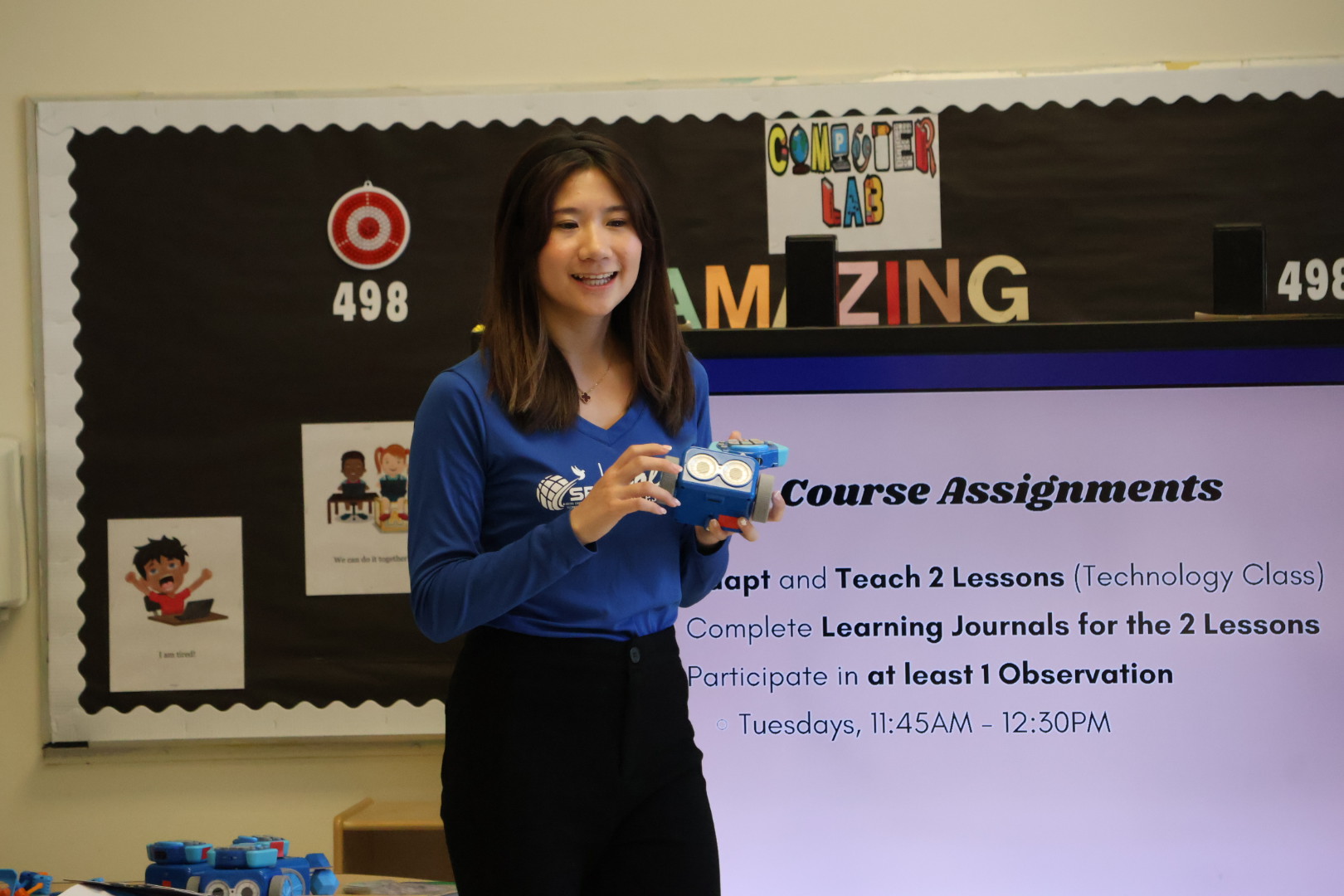
When a classroom robotics tool was available but rarely used, I designed a six-unit professional-learning experience for Head Start educators who were new to programming. The course made classroom use feel possible by pairing hands-on exploration with ready-to-adapt PreK lessons, structured reflection, and real implementation practice.
Post-training surveyn = 12 educators
The problem
Access did not equal adoption.
Botley kits were available, but they were seldom part of instruction. Educators needed a clear route from unfamiliar technology to a learning experience they could confidently facilitate.
My approach
Make programming feel like teaching.
I framed programming as sequencing, then embedded it in familiar literacy and math learning. Educators experienced each activity as learners before preparing to lead it with PreK students.
What I created
- Professional-learning workshops
- ELA- and math-integrated Botley lessons
- Implementation resources for educators
Key decisions
- Practice before presentation
- Integration instead of stand-alone activities
- Depth and structure that support adoption
What educators needed
More than a robot and a set of directions.
- Confidence using the technology for the first time
- Practical strategies for teaching sequencing
- A meaningful, developmentally appropriate definition of programming for PreK learners
Constraints I designed for
Fit the work inside real classroom conditions.
- Programming needed to strengthen existing ELA and math instruction
- Educators had limited time and little room for extra cognitive load
- PreK learners needed visual, hands-on, low-text experiences
Learning model
Explore, facilitate, adapt, and implement.
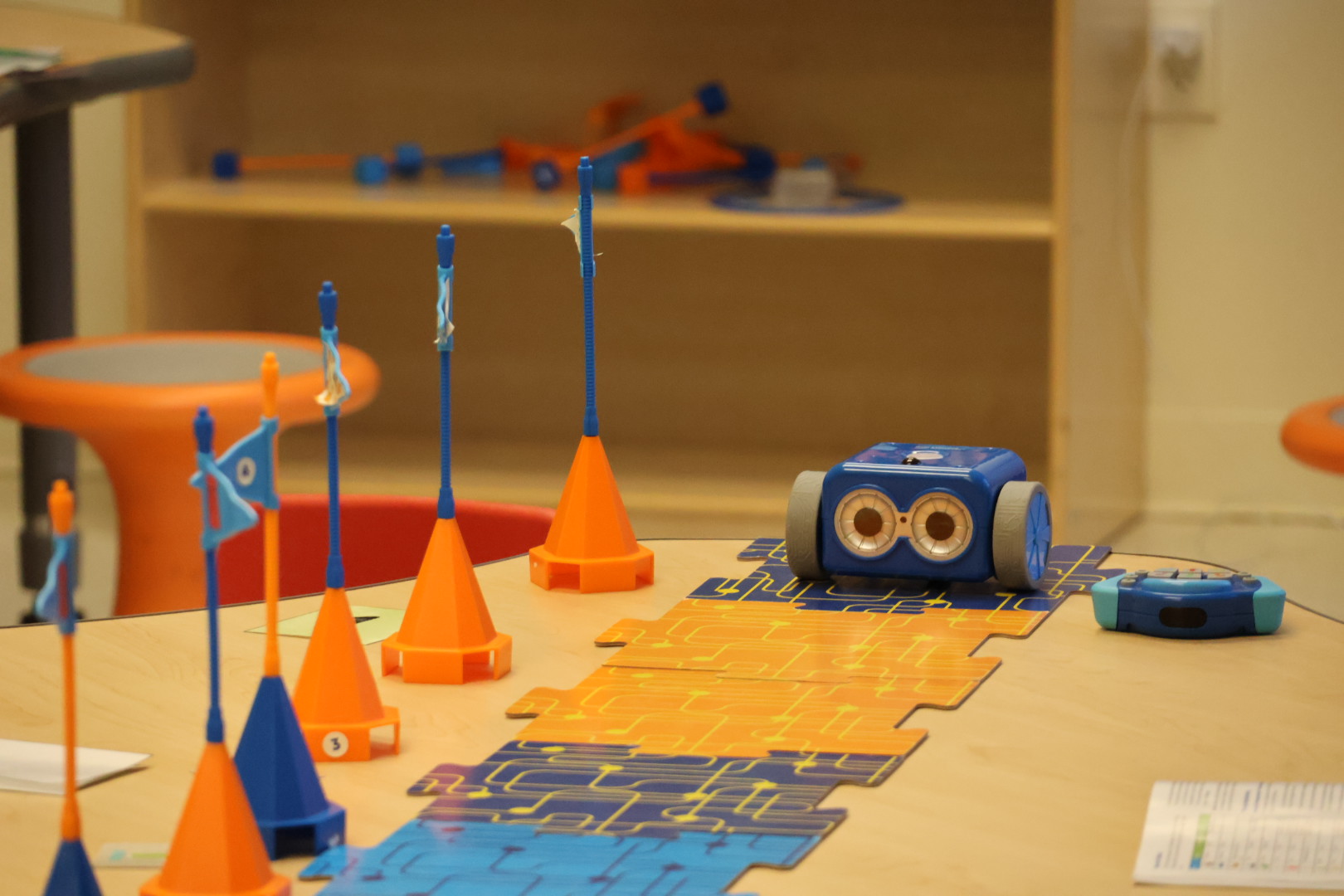
Every unit placed educators in the learner’s role first. They explored one Botley function, connected it to a classroom goal, rehearsed the facilitation moves, then adapted and implemented two 30-minute PreK lessons. The sequence moved from setup and black-line following to Code by Color, simple programs, secret codes, and unplugged sequencing.
Impact in practice
Robotics supported learning—not only engagement.
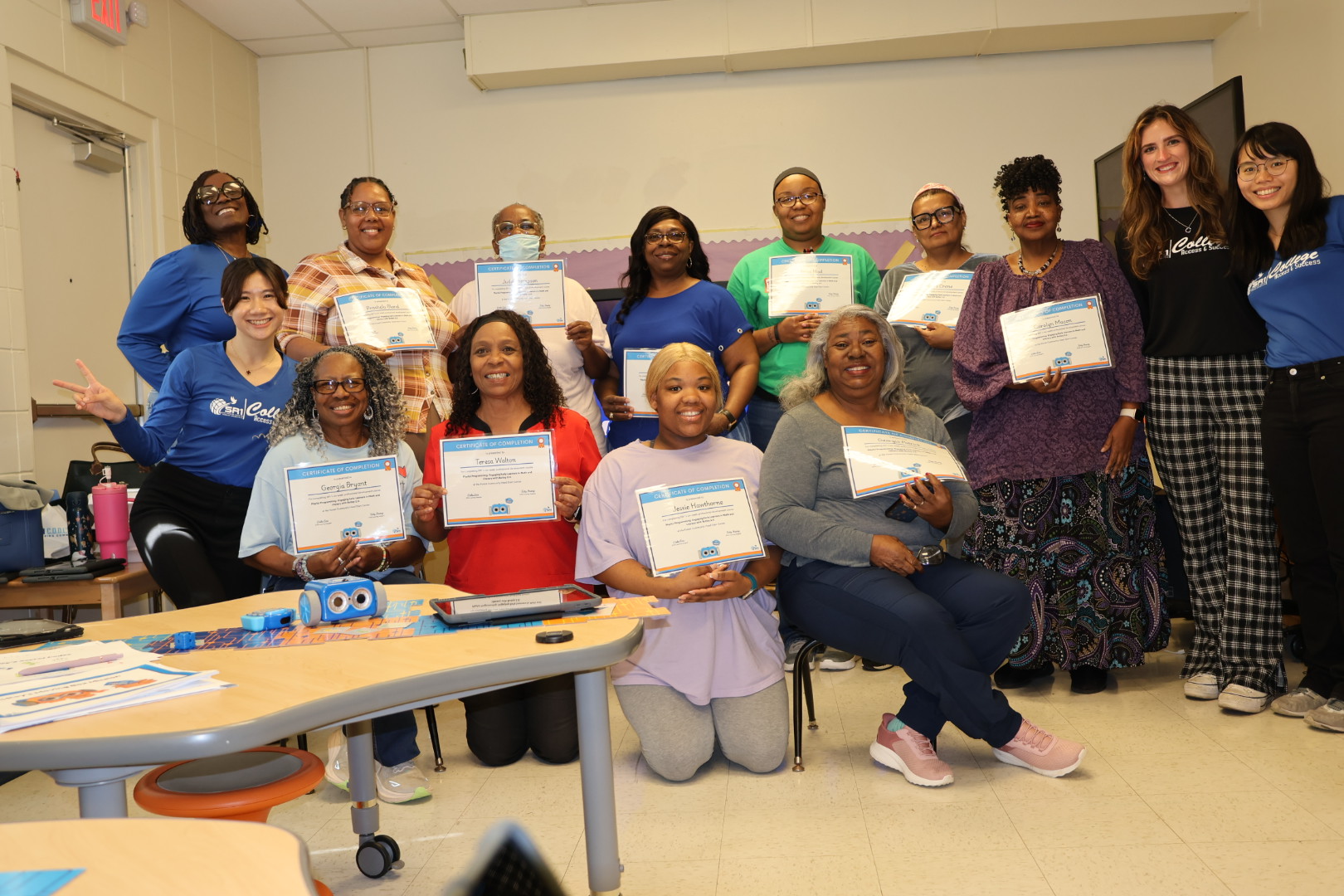
Teachers moved from hesitation toward confident facilitation. Botley became a way to support daily classroom learning through sequencing, language, and mathematical thinking, rather than a stand-alone activity reserved for special occasions.
1 of 3
Other professional development
Professional development for classroom practice.
Additional workshops that help educators use digital tools and project-based STEM resources with confidence.
Digital classroom workshop · 15 educators
Google Classroom Foundations
An interactive, slide-based professional-development workshop that helped educators use Google Classroom as a clear daily hub for communication, differentiated learning, feedback, and progress monitoring.
- Navigate Stream, Classwork, People, and Grades with a clear purpose.
- Build, schedule, and differentiate assignments, quizzes, questions, and materials.
- Use rubrics, comment banks, private feedback, and Google tools to make assessment more responsive.
After the training Google Classroom continued as a shared resource hub where teachers could easily revisit the games, digital books, and classroom-ready materials I created. I continue to add useful resources over time, while educators can share links, materials, and ideas with one another.
Educators left with a practical workflow they could adapt to their own classes right away.
Lead teacher credential · PLTW Launch
PLTW Lead Teacher Training
I completed the 16-hour PLTW Launch Lead Teacher Training, strengthening my ability to guide school teachers as they facilitate hands-on, project-based STEM learning.
- Translate PLTW’s inquiry-based approach into classroom-ready routines, materials, and facilitation moves.
- Support teachers as they help learners collaborate, prototype, test, explain, and reflect.
- Build teacher confidence in leading engaging STEM experiences with clarity and care.
Certificate of CompletionPLTW Launch Lead Teacher Training · July 2025
Across every training
Teacher support is part of the learning product.
From a STEM lesson to a digital game, I think about the educator experience: what needs explanation, what needs a shortcut, and what will make classroom use smoother.